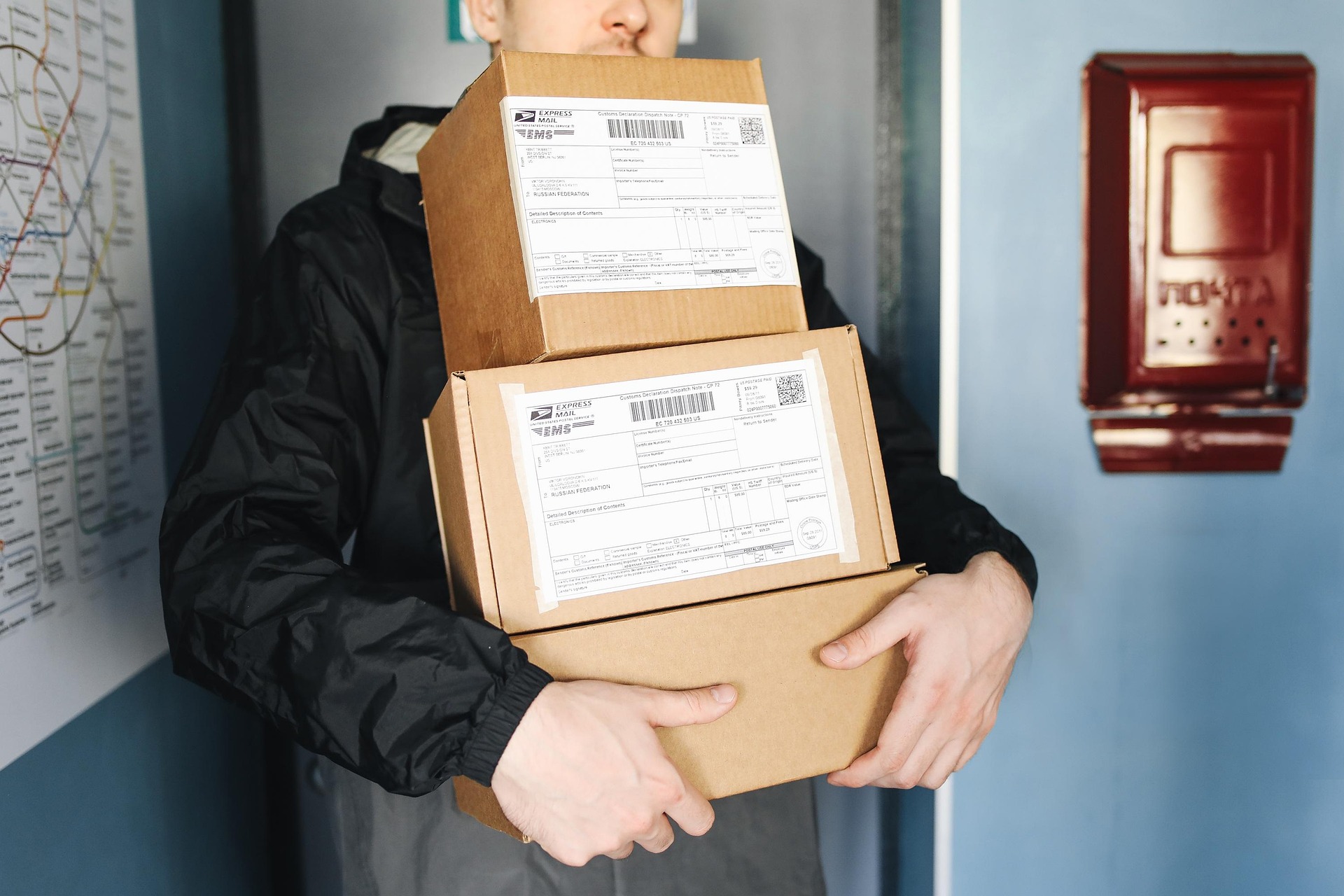
Handling Item Not Received Requests
An Item Not Received (INR) request on eBay is a standard procedural event rather than a crisis. By providing the correct proof of delivery and following platform timelines, you can resolve these cases quickly without losing hard earned profits.
 Leo Rothstein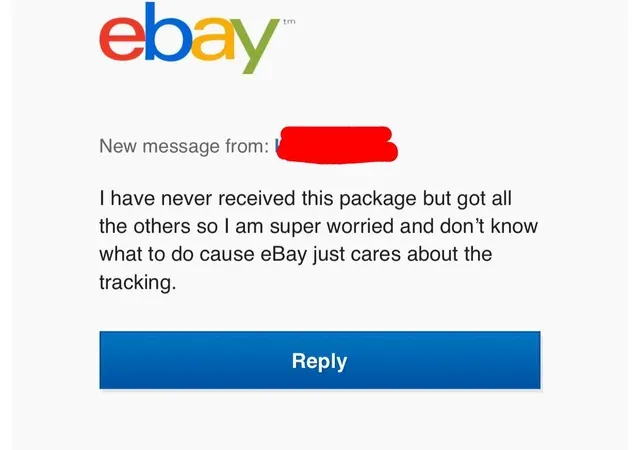
In simplicity, an Item Not Received request is just a buyer asking for proof that their package arrived (by saying that it hasn't arrived). As a business owner, your goal is to handle this quickly so you can keep your funds. You do not need to worry if you know the item was delivered. You just need to show eBay the right evidence. These cases are won by providing clear tracking info and delivery pictures. This guide shows you how to use the information given from Amazon to close these cases in your favor.
The most important part of winning is the tracking number you give to eBay.
Major Carriers: If your Amazon order was sent by USPS, UPS, or FedEx, use that tracking number first. eBay trusts these big companies the most. Using these numbers makes the case close faster.
Zinc Tracking: If Amazon used its own delivery service, you might only have a Zinc tracking number. This is still okay to use. When you combine Zinc tracking with a delivery photo, eBay will usually accept it as proof.
Amazon almost always takes a picture when they drop off a package. This photo is your best piece of evidence.
Getting the Photo: Open your Amazon Orders page. Click on "Track package" to find the delivery picture. Take a screenshot of the photo showing the box at the buyer's door.
Strong Proof: A photo proves the carrier did their job. When you upload this photo with the tracking number, eBay will see that the item arrived. This makes it very hard for the buyer to win the dispute.
You must act quickly to protect your account. You usually have 3 business days to respond before eBay steps in.
Where to Go: Use the eBay Resolution Center to manage the dispute. This is where you upload your proof.
Submitting Proof: Inside the case, select the option to add tracking. Enter your tracking number and upload the delivery photo. Do not argue or talk about how you feel. Only give eBay the facts. For more help, you can look at the eBay Help page for items not received.
Making mistakes in a case can lead to losing your money or hurting your account rating.
Refunding Too Fast: Never give a refund if the tracking says "Delivered." Let the eBay case finish first. If you refund too early, you lose your money and cannot get it back.
Angry Messages: Do not send mean or long messages to the buyer. eBay workers only want to see the data. Keep your messages short and professional.
Here's a message you can send to your buyer to mitigate:
Hello,
I checked the tracking for your order. It shows the item was delivered on [Date] at [Time]. I have uploaded the tracking info and a delivery photo to the case. Please check with your neighbors to see if they have the package.
Thank you, [Your Store Name]
Handling an INR request is a normal part of running a good business. If you stay calm and show eBay the tracking and photos from Amazon, an INR won't become a headache for you. This lets you focus on growing your store instead of worrying about disputes.
For more on how eBay protects you, check the eBay Seller Protection Policy.